This is a submission for the GitHub Copilot CLI Challenge
What I Built
autopilot-ctrl is a command-line tool that audits AI-generated social media content before publishing. Think of it as a “quality gate” for your content pipeline.
The Problem
My blog has an autopilot system that automatically generates posts for Twitter, LinkedIn, and Newsletter every time I publish an article. It works great… most of the time. But sometimes the AI produces:
- 🐦 Generic tweets without hooks
- 💼 LinkedIn posts without proper structure
- 📧 Newsletter intros that reveal too much (or too little)
I needed a way to evaluate quality BEFORE publishing and, if something doesn’t pass, improve it automatically.
The Solution
autopilot-ctrl uses GitHub Copilot CLI to:
- Audit content against platform-specific criteria
- Assign a quality score (0-10)
- Identify specific issues
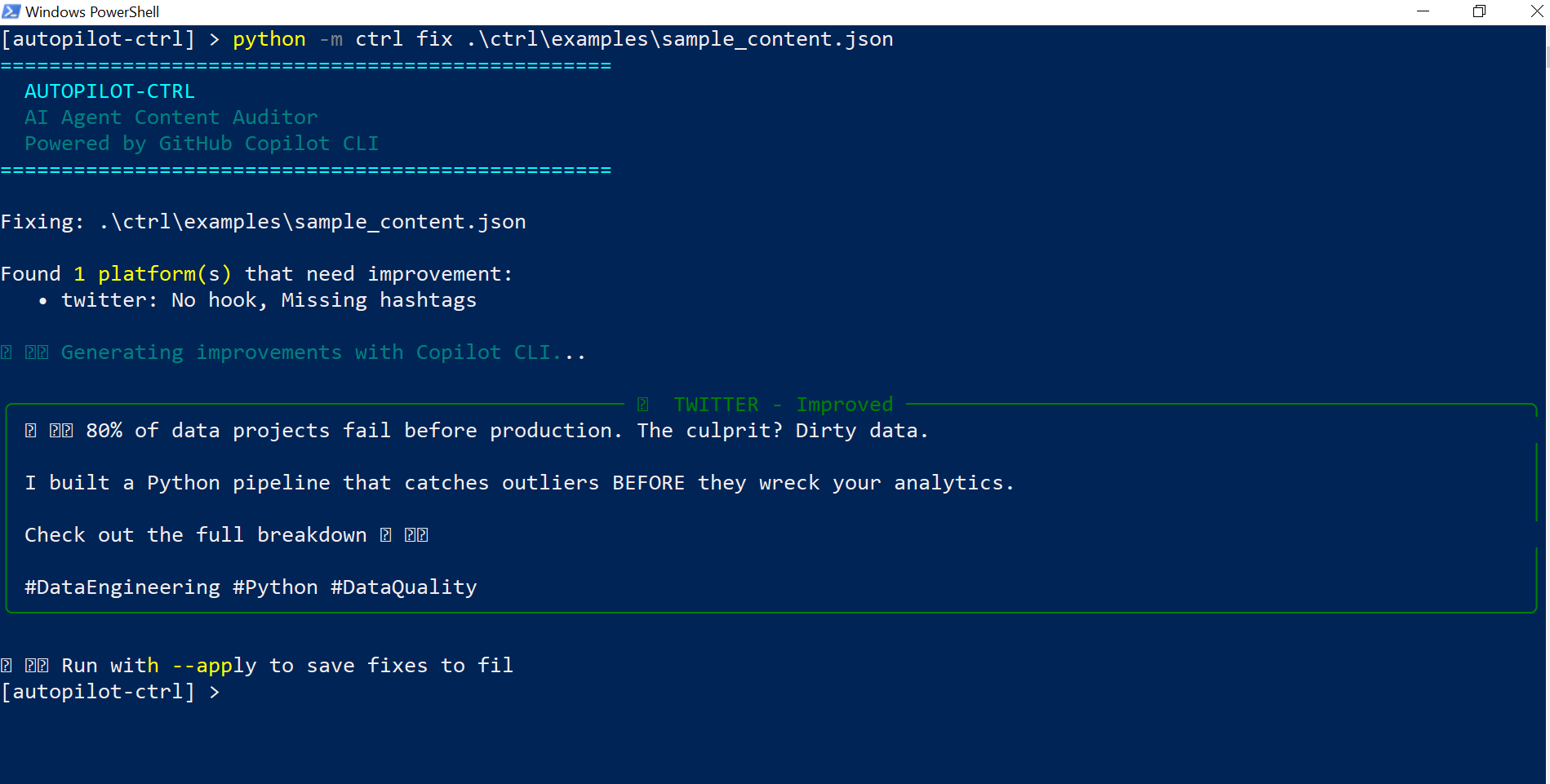
- Generate improved versions of failing content
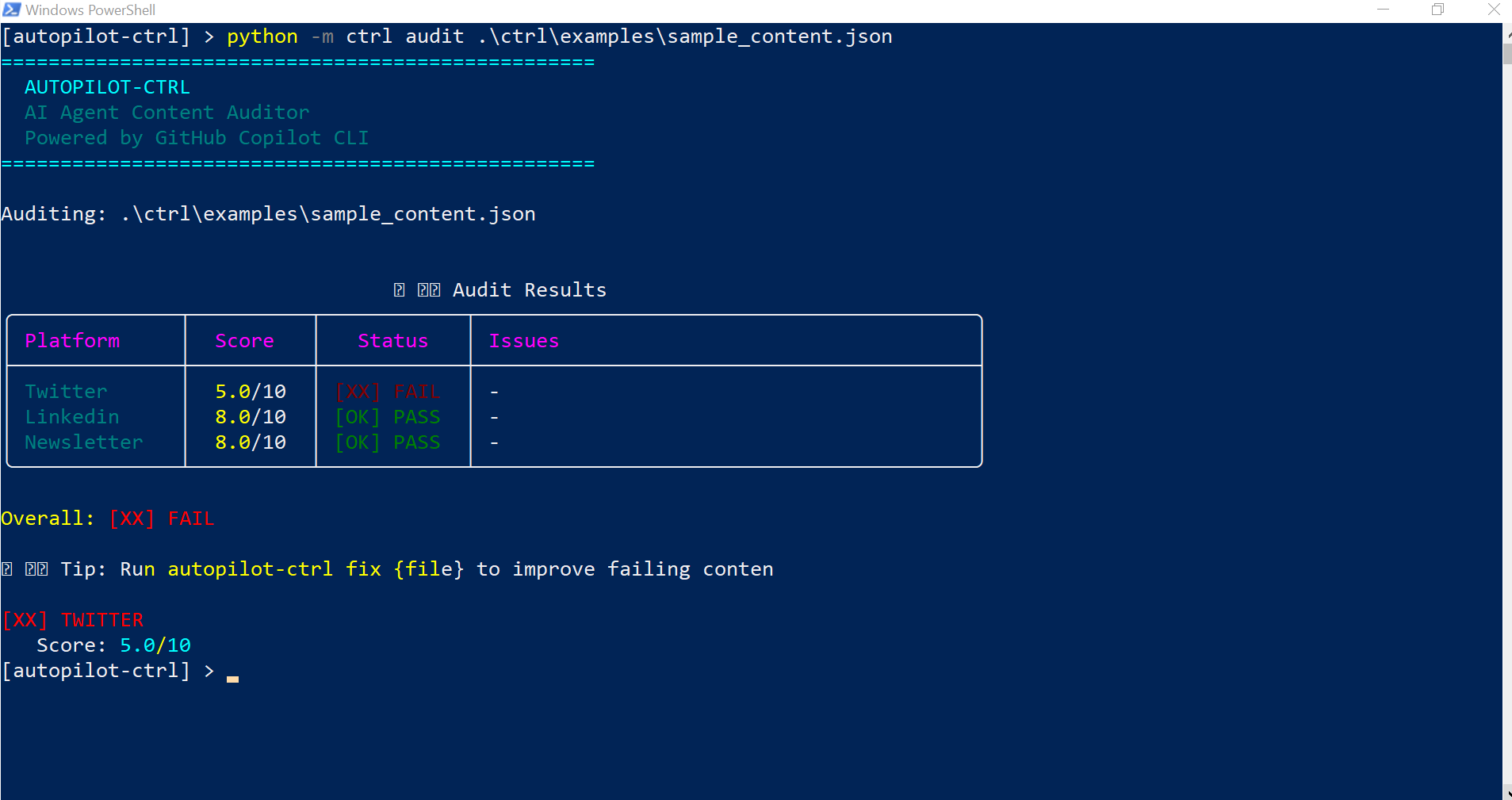
                               📊 Audit Results
┌─────────────┬─────────┬───────────┬─────────────────────────────────────────┐
│ Platform    │  Score  │  Status   │ Issues                                  │
├─────────────┼─────────┼───────────┼─────────────────────────────────────────┤
│ Twitter     │ 3.0/10  │ [XX] FAIL │ No hook, missing hashtags               │
│ Linkedin    │ 7.0/10  │ [OK] PASS │ -                                       │
│ Newsletter  │ 8.0/10  │ [OK] PASS │ -                                       │
└─────────────┴─────────┴───────────┴─────────────────────────────────────────┘
Demo
Available commands:
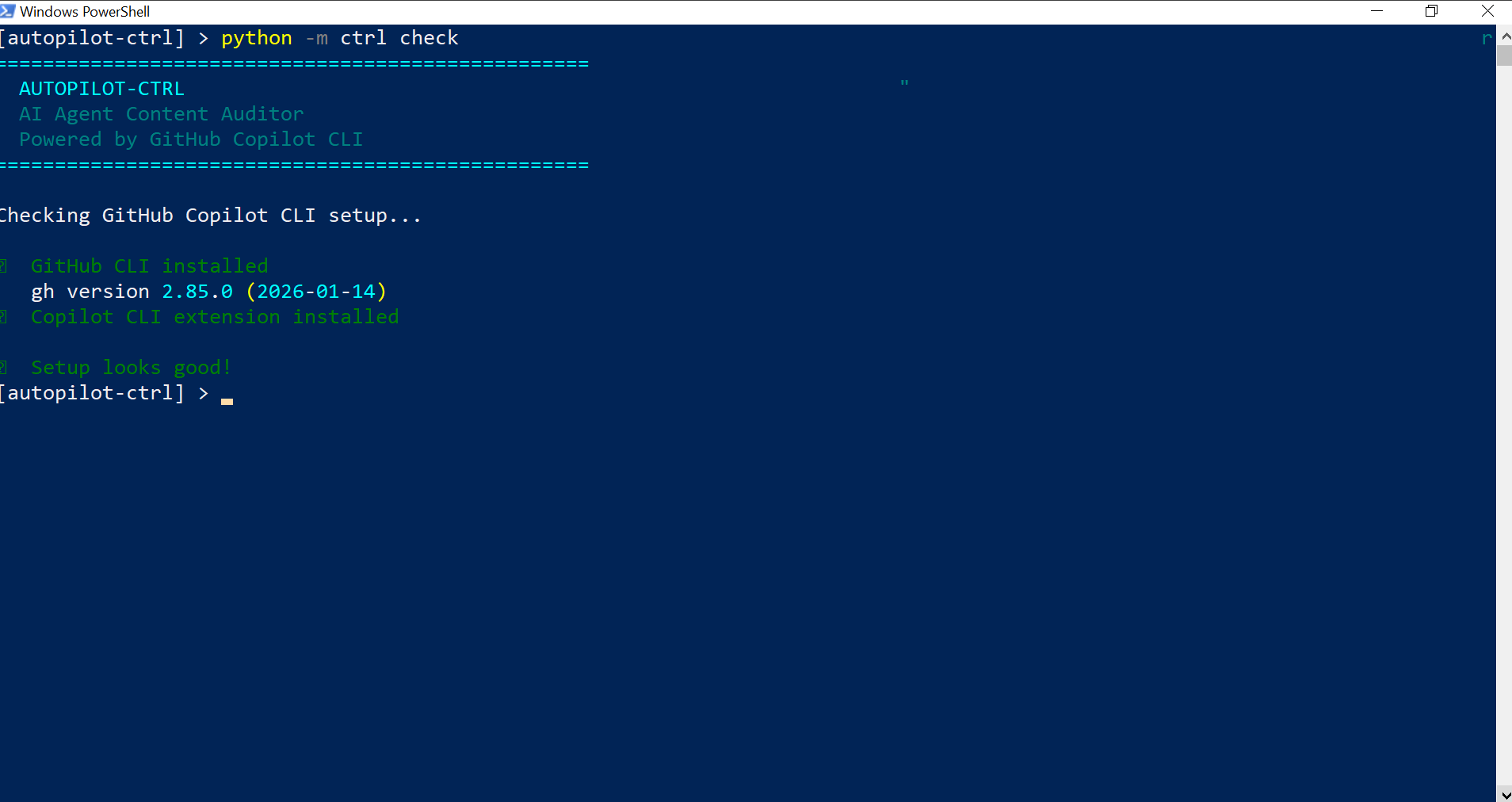
# Check that Copilot CLI is installed
python -m ctrl check

# Audit content
python -m ctrl audit content.json

# Fix failing content
python -m ctrl fix content.json --apply
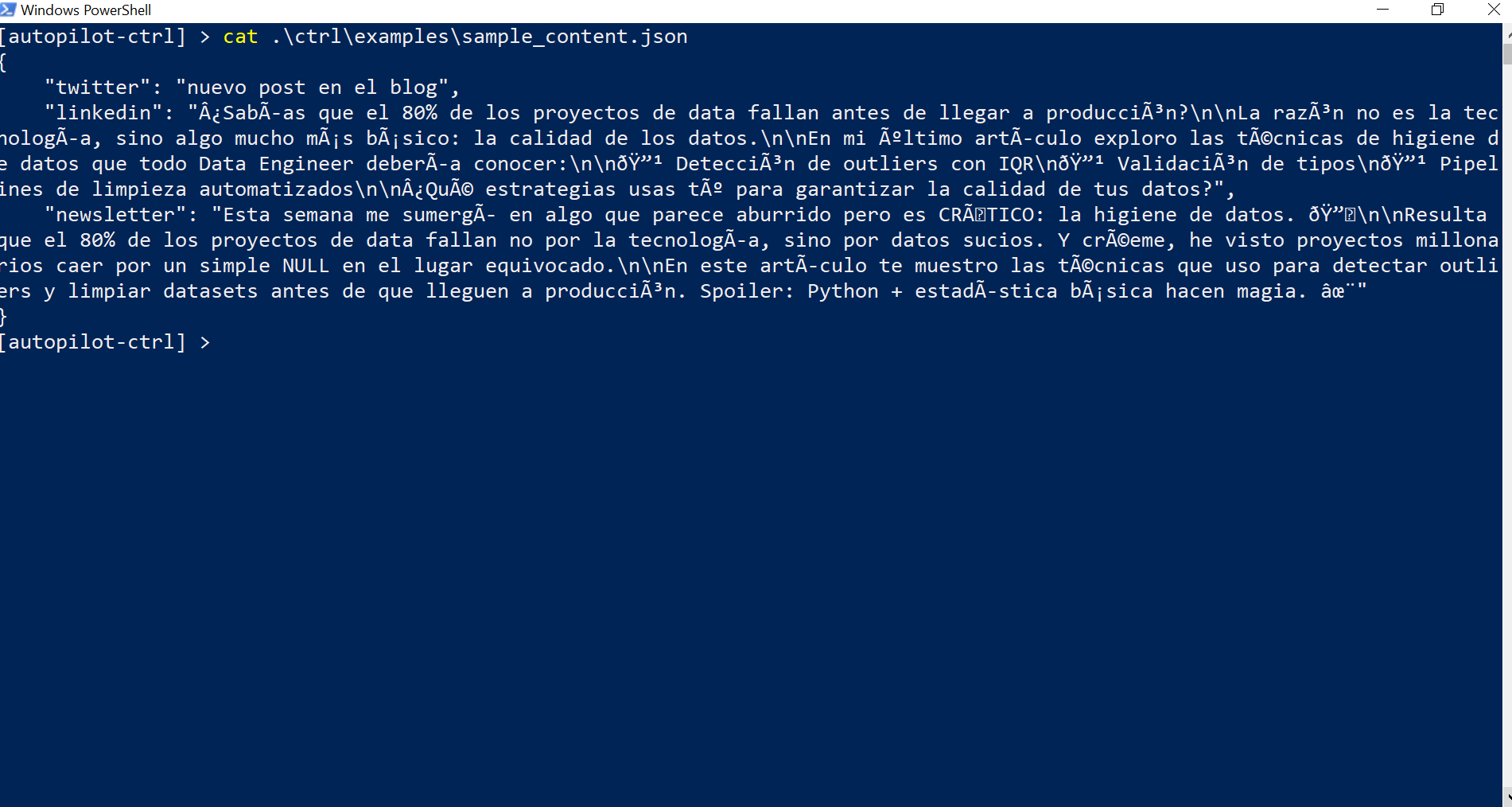
Screenshots of the flow:
Source code: github.com/Dalaez/datalaria/autopilot/ctrl
My Experience with GitHub Copilot CLI
🚀 How I Used Copilot CLI
The magic of autopilot-ctrl lies in how it integrates Copilot CLI in non-interactive mode:
# auditor.py
result = subprocess.run(
    ['copilot', '-s', '--no-ask-user', '-p', prompt],
    capture_output=True,
    text=True,
    timeout=60,
    encoding='utf-8'
)
Each audit sends a structured prompt to Copilot CLI and parses the natural language response to extract:
- Numeric score (e.g., “Rating: 7/10”)
- List of issues (e.g., “No engagement”, “Generic hook”)
- Improvement suggestions
💡 What I Learned
- Flag order matters:
-pMUST be the last argument - Simple prompts work better: Long, structured prompts in non-interactive mode return empty responses
- Copilot responds in natural language: I had to create flexible parsers to extract data from responses like “Rating: 7/10”
⚡ The Impact on My Workflow
Before autopilot-ctrl, I manually reviewed every generated post. Now:
git push→ Autopilot generates contentpython -m ctrl audit generated_content.json→ Copilot evaluates- If something fails →
python -m ctrl fixgenerates improvements - Approved content → Gets published automatically
Time saved: ~15 minutes per publication.
🛠️ Tech Stack
- Python + Click: CLI framework
- Rich: Terminal UI with tables and colors
- GitHub Copilot CLI: AI evaluation engine
- YAML configs: Customizable prompts per platform
Conclusion
autopilot-ctrl demonstrates that GitHub Copilot CLI isn’t just for generating code. It’s a powerful tool for integrating AI into any pipeline - in this case, content quality evaluation.
If you have a system that generates content automatically, consider adding a “quality gate” with Copilot CLI. Your audience (and your engagement metrics) will thank you.
Questions? Drop them in the comments 👇
This post is part of the Autopilot Project series, where I document how I automate content creation and publishing using AI.