In Post 1: The Strategy, I promised I wouldn’t use third-party tools to manage my social media. I promised to build an “army of agents.”
Today, we leave PowerPoint behind and open the IDE. We are going to build the system’s Brain.
Today’s goal is technical and concrete: create a Python script capable of reading a .md file from my local repository, “reading” it as a senior engineer would, and returning a structured analysis in JSON.
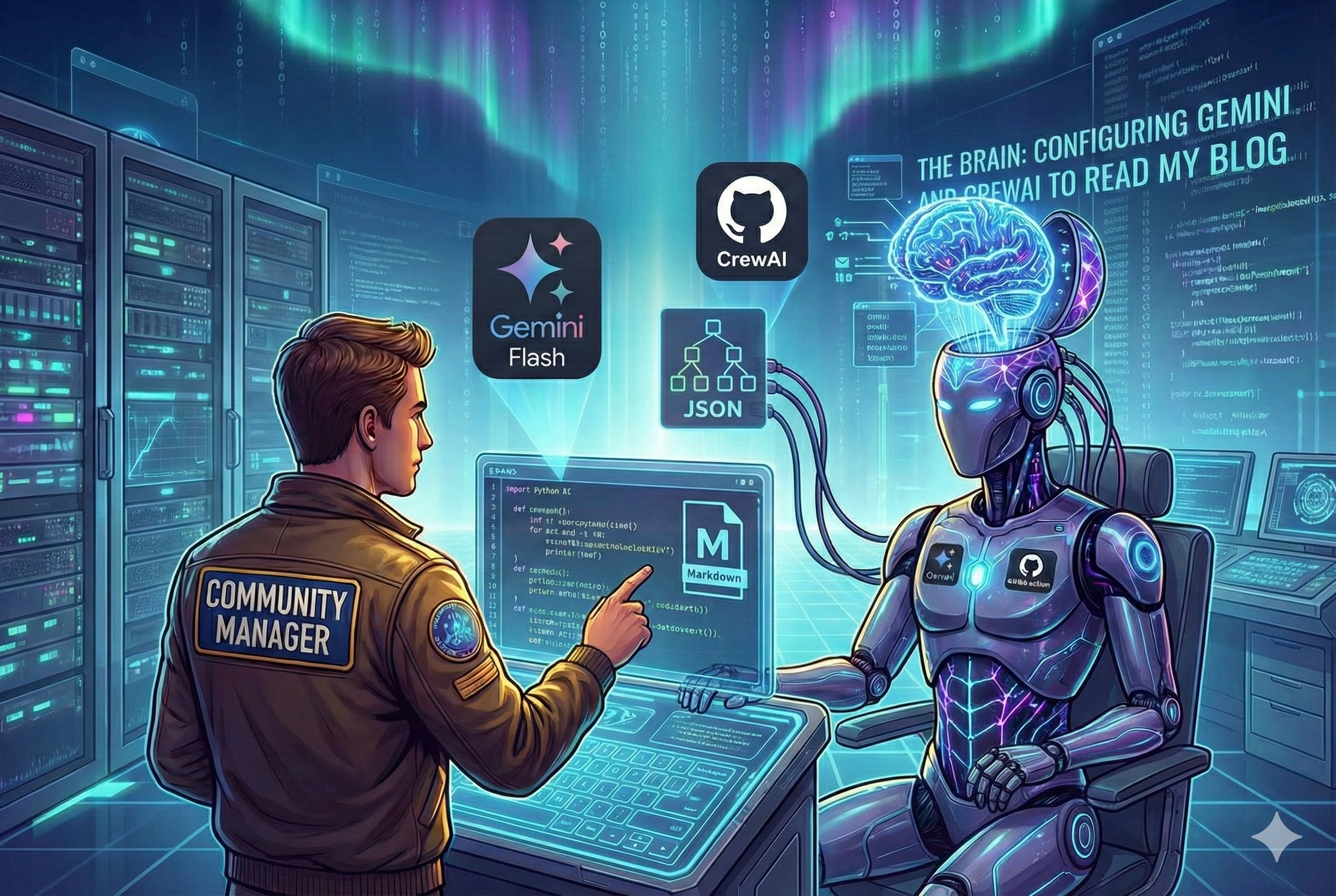
The Tech Stack: Speed Over Brute Force
For this task, I made two architectural decisions:
- The Orchestrator: CrewAI. I need something that handles “Agents” and “Tasks,” not just text strings. CrewAI allows me to define roles (who you are) and goals (what you want), which is vital for the next steps.
- The Model: Google Gemini Flash. At first, I tried using the most powerful model (Pro), but I realized a beginner’s mistake: for massive reading and data extraction tasks, you don’t need the philosopher, you need the fast librarian. Flash is much faster, cheaper (free in the current tier), and has a gigantic context window.
Step 1: Repository Hygiene (Clean Monorepo)
Before writing code, we must organize the house. My blog is built on Hugo, and I don’t want to clutter the website folder with Python scripts.
I opted for a “Clean Monorepo” structure. I created an autopilot folder at the root of the project that acts as an independent module.
datalaria/
├── content/           <-- My Markdown posts (Hugo)
├── themes/
├── autopilot/         <-- THE NEW BRAIN 🧠
│   ├── .env           <-- WATCH OUT! Keys go here (Ignored by Git)
│   ├── main.py        <-- Entry point
│   └── src/           <-- Agent and Task Logic
└── .gitignore         <-- Configured to protect my secrets
Lesson learned: Configure your
.gitignorebefore making the first commit. If you upload your API Key to GitHub by mistake, bots will take seconds to find it, or worse, you might encounter unwanted costs from other users finding your API Key.
Step 2: The Code (Hands-on)
The heart of this system isn’t main.py, but how we define the agent. Using the crewai and langchain_google_genai libraries, I defined my first digital employee: “The Analyst.”
The “Obsession with OpenAI” Problem
Here I hit the first wall. CrewAI is designed by default to look for an OpenAI API Key (GPT-4). Although I configured Gemini, the script failed with the error:
ValueError: OPENAI_API_KEY is required
The solution was to explicitly force the LLM (Large Language Model) inside the agent definition. This is what the code looks like in src/agents.py:
from crewai import Agent
from langchain_google_genai import ChatGoogleGenerativeAI
import os

class BlogAgents:
    def __init__(self):
        # We configure Gemini Flash explicitly
        self.llm = ChatGoogleGenerativeAI(
            model="gemini-1.5-flash",
            verbose=True,
            temperature=0.2, # Low temperature = More analytical, less creative
            google_api_key=os.getenv("GOOGLE_API_KEY")
        )

    def analyst_agent(self):
        return Agent(
            role='Senior Tech Editor & Data Analyst',
            goal='Analyze raw content to extract structured insights',
            backstory='You are a veteran tech editor...',
            allow_delegation=False,
            llm=self.llm  # <--- THIS LINE IS CRITICAL. If you remove it, it will look for OpenAI.
        )
Step 3: Prompt Engineering (JSON Mode)
For this to be useful, the agent can’t simply “chat” about the article. I need data that I can process computationally later.
In src/tasks.py, I defined the task with strict output instructions. I didn’t use the API’s native “JSON Mode” (which is sometimes complex to configure), but instead relied on the model’s instruction-following capability:
“OUTPUT FORMAT: Return ONLY a valid JSON object with keys: summary, target_audience, tech_stack, key_takeaways, marketing_hooks.”
The Result: It Works!
I ran the script against one of my densest technical articles (about S&OP processes). I was afraid the model might hallucinate or get lost in the text.
The result in the terminal was this clean JSON:
{
  "summary": "This post demonstrates how Generative AI bridges the gap between complex business narratives and technical execution...",
  "target_audience": "Business Analysts, Industrial Engineers, Operations Managers...",
  "tech_stack": [
    "Generative AI (LLMs)",
    "BPMN 2.0",
    "Mermaid.js",
    "Gemini API"
  ],
  "marketing_hooks": [
    "Stop drowning in dense business requirements! 🚀 Learn how to use AI to turn messy narratives into professional BPMN diagrams...",
    "Documentation as Code is here. 💻 See how LLMs can generate Mermaid.js diagrams..."
  ]
}
It’s impressive. The model not only summarized the text but understood the deep context: it identified that the article talked about “Mermaid.js” and “BPMN” and generated marketing hooks (“marketing_hooks”) that actually sound like something I would write on Twitter.
What’s Next?
We already have the Brain (autopilot) capable of reading and understanding what I write in content. The data is structured and ready.
But a JSON doesn’t get likes.
In the next post, we are going to build The Creatives. We will use this data to feed two new agents with opposing personalities: a viral expert for Twitter and a corporate strategist for LinkedIn. And we will see how Prompt Engineering can drastically change the tone of an AI.
👉 Source Code: You can see the code for this module in the /autopilot folder of the Datalaria GitHub repository.